CURADURÍA · UX, UI Y FRONT-END
Biblioteca de referencias
Una selección para superar la primera idea, construir con criterio y revisar lo que llega a la pantalla.
Explorar referencias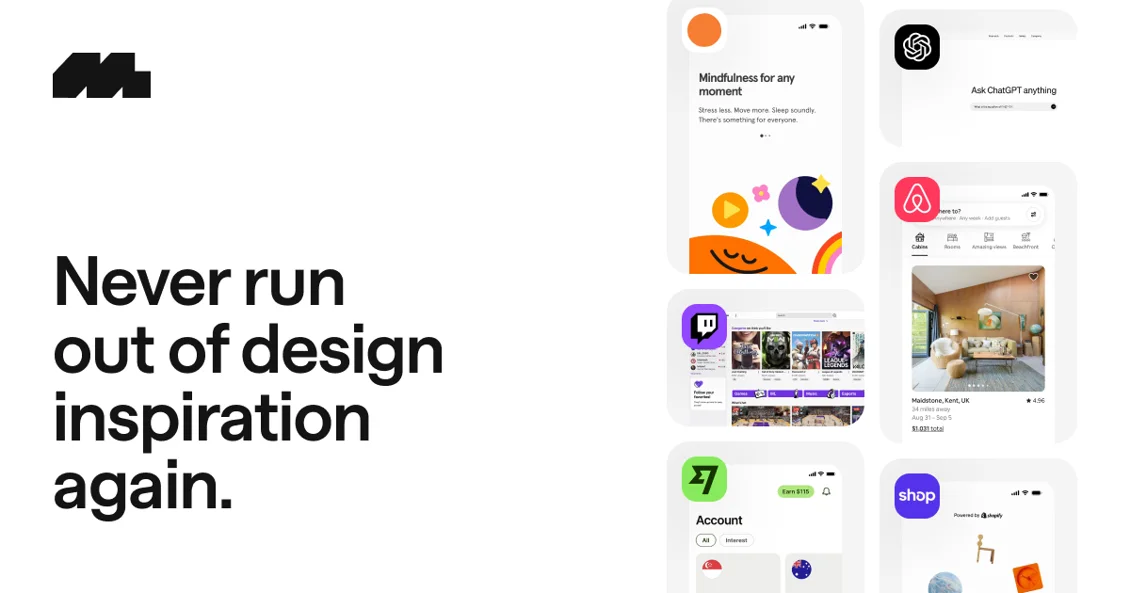
UN PUNTO DE PARTIDA
Observa antes de diseñar.
En Mobbin, compara flujos y decisiones de interfaz. Lleva el principio a tu proyecto, no una pantalla ya hecha.
Explorar Mobbin →Buenas bases para tu próximo proyecto
Fuentes para consultar y explorar. Evalúa cada recurso en el contexto de tu proyecto.
23 referencias encontradas
Movimiento
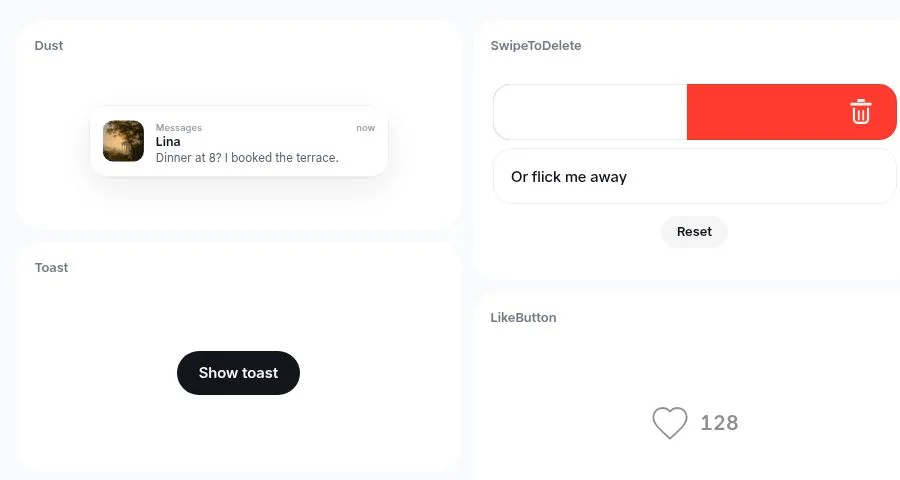
Dissolve
Galería de microinteracciones en React Native para observar gestos, transiciones y respuesta.
dissolve.rselmi.com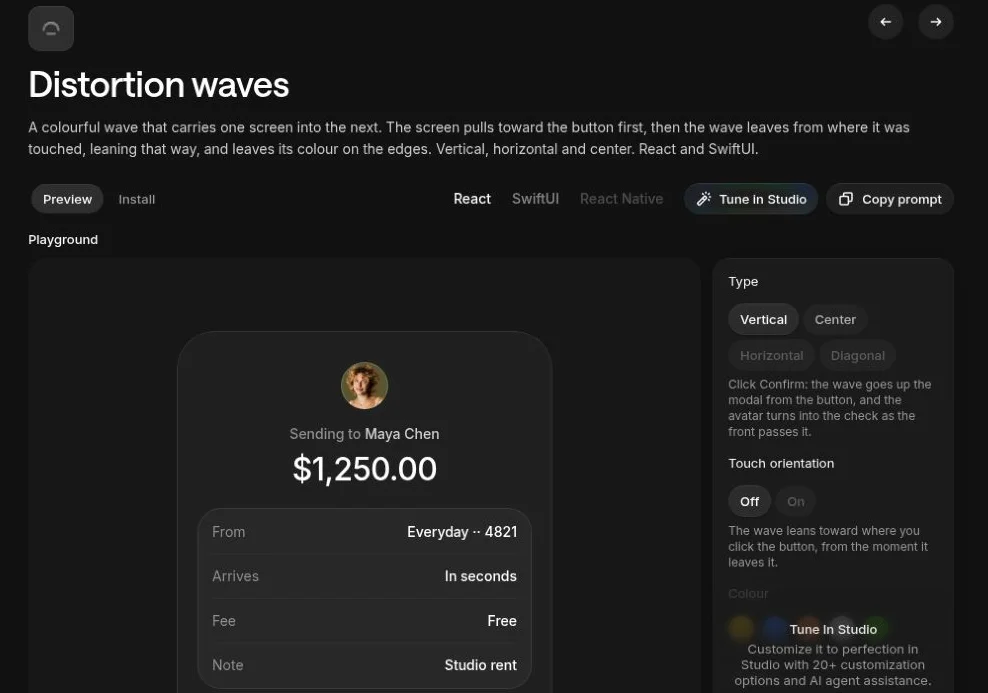
Movimiento
Distortion Waves
Transiciones entre pantallas en React y SwiftUI. Evalúa contexto, rendimiento y movimiento reducido antes de usarlas.
libraries.dev
Componentes
21st.dev
Catálogo de componentes y referencias de interfaz. Revisa autoría, licencia y adecuación de cada recurso.
21st.dev
Componentes
Gravity UI Icons
Biblioteca de iconos organizada por categorías. Mantén etiquetas claras en las acciones esenciales.
gravity-ui.com
Componentes
Pictogrammers
Colecciones abiertas de iconos y fuentes para interfaces. Consulta la licencia de la colección elegida.
pictogrammers.comInspiración visual
Mobbin
Flujos y pantallas de productos para estudiar jerarquía y decisiones de interfaz. Úsalos como referencia, no como molde.
mobbin.com
Inspiración visual
CTA Gallery
Ejemplos de llamadas a la acción para comparar claridad y contexto, sin suponer resultados de conversión.
cta.gallery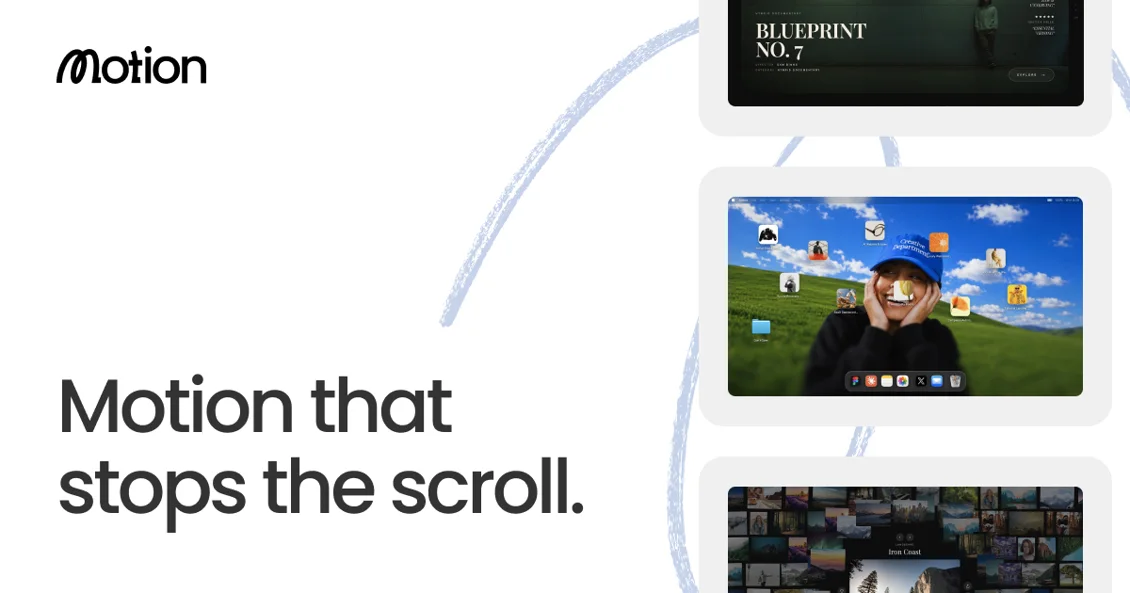
Inspiración visual
Motion in Design
Referencias de movimiento e interacción para observar ritmo, respuesta e intención.
motionin.design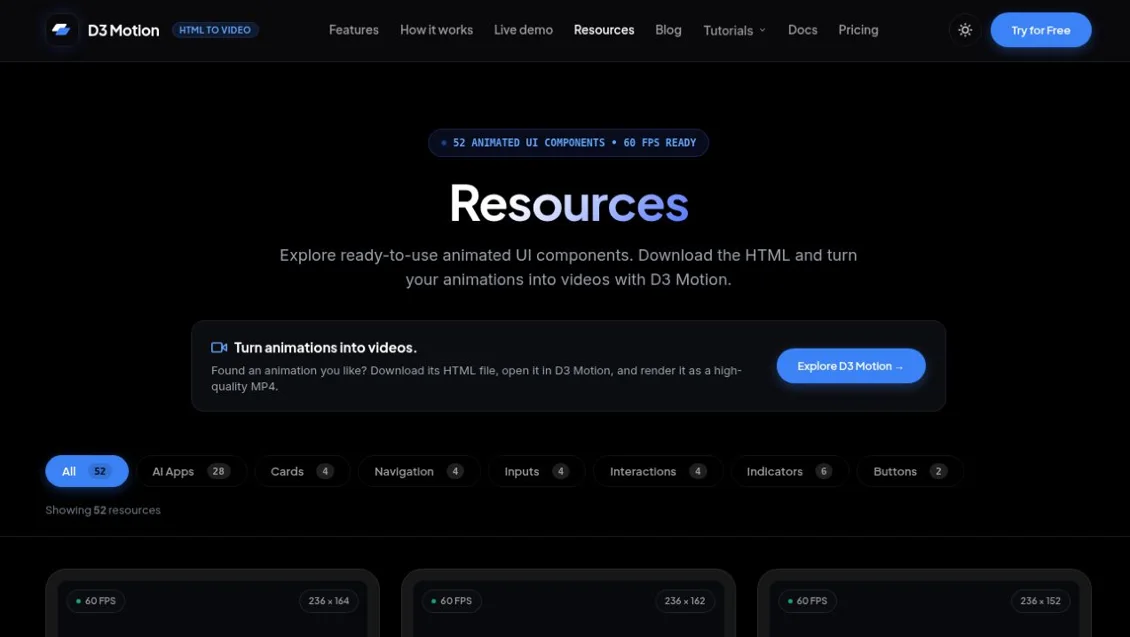
Movimiento
D3 Motion
Recursos de animación para explorar. Revisa licencia, rendimiento y alternativas de movimiento reducido.
d3motion.pro
IA y calidad visual
Impeccable
Orientaciones de diseño para refinar interfaces con agentes. Revisa las instrucciones antes de incorporarlas al proyecto.
impeccable.style
IA y calidad visual
Web Design Guidelines · Vercel
Directrices de revisión de interfaces en el repositorio oficial de skills de Vercel.
github.com
IA y calidad visual
Frontend Design · Anthropic
Skill oficial con orientaciones para crear interfaces visuales. Adáptala al sistema de diseño existente.
github.com
Componentes
Tailwind CSS
Documentación de utilidades para componer estilos y comportamientos adaptables.
tailwindcss.com
Componentes
Lucide
Biblioteca de iconos vectoriales. Mantén etiquetas y semántica en las acciones importantes.
lucide.dev
Movimiento
Motion
Documentación para animar interfaces. Usa el movimiento con propósito y respeta las preferencias de la persona.
motion.dev
Componentes
Storybook
Entorno para documentar y explorar componentes y sus estados de forma aislada.
storybook.js.org
Pruebas y calidad
axe-core
Motor de pruebas automatizadas de accesibilidad. Complementa, pero no sustituye, la evaluación manual.
github.com
Pruebas y calidad
Playwright
Automatización de pruebas de navegador para comprobar flujos, estados y comportamiento real.
playwright.dev
Componentes
shadcn/ui
Componentes para construir interfaces y revisar estados sin empezar de cero.
ui.shadcn.com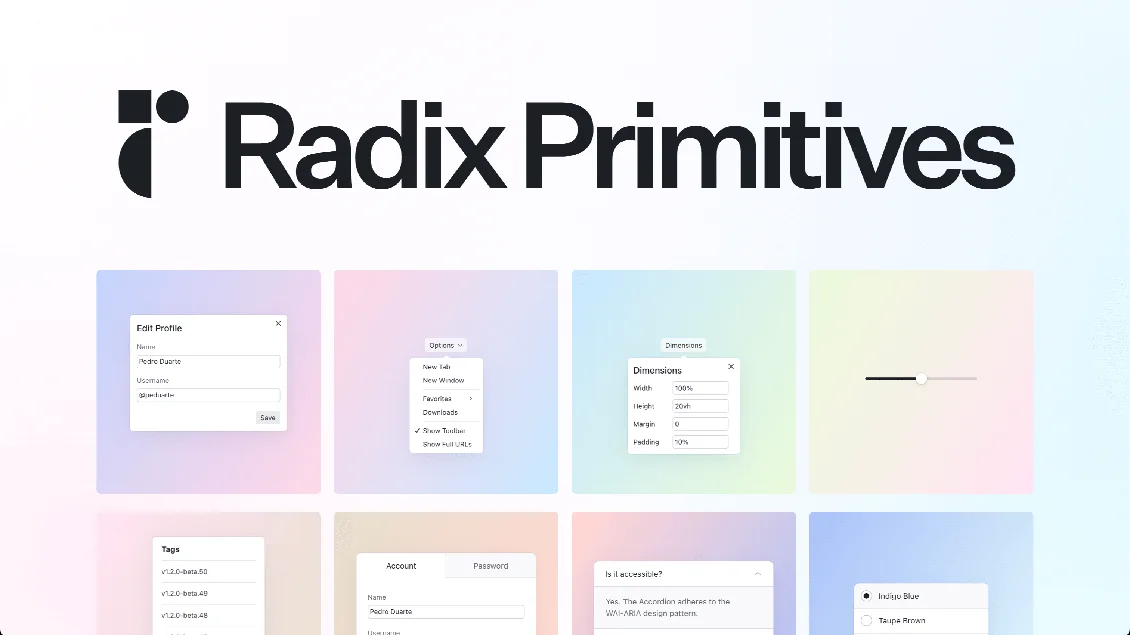
Componentes
Radix Primitives
Patrones de interacción y primitivas para crear componentes accesibles.
www.radix-ui.com
Accesibilidad
WAI-ARIA Authoring Practices
Patrones de teclado, foco y semántica para componentes interactivos.
www.w3.org
Accesibilidad
WCAG 2.2
Criterios de accesibilidad para evaluar contenido e interfaces web.
www.w3.org
Rendimiento
Web Vitals
Métricas para seguir la carga, la respuesta y la estabilidad visual.
web.devPrompts para adaptar
Ocho prompts originales, siempre en inglés para copiar. Abre uno, adapta el contexto y revisa la respuesta antes de implementar.
Flujo de reserva accesible
Design a mobile-first booking flow for [audience] to reserve [service]. Use [existing components and tokens]. Show the default, loading, no availability, recoverable error, and success states. Preserve entered data on recoverable errors; make next steps explicit. Specify keyboard order and focus after validation and confirmation. Show the layout at 320 px and desktop, then list five acceptance checks.
Auditoría visual y de uso
Review [URL or screenshots] for [primary task]. Identify the three biggest usability or hierarchy problems, citing the exact screen or element and who is affected. Look for vague calls to action, repeated containers that flatten priority, missing feedback, and inaccessible interactions. Separate issues you observed from hypotheses. For each issue, propose the smallest useful change and one way to verify it.
Compara dos composiciones de hero
Design two hero layouts for [product], for [audience] trying to [task]. Keep the headline, copy, image, CTA, and design tokens identical; vary only layout and emphasis. Show a mobile and a desktop version of each. Explain the trade-off between them and propose one task-based test. Do not invent conversion results.
Estudia una referencia sin copiar
Analyze [reference URL or screenshot] and describe the task, information hierarchy, and one interaction pattern. Extract three principles that would apply to [my product and audience]. Propose two original directions using [my design tokens and content]. Do not reproduce the reference’s layout, copy, illustrations, or branding. Flag anything you cannot verify.
Especifica un componente y sus estados
Turn [component or design] into an implementation brief for [stack]. Map it to [existing design-system components and tokens] first. Specify state changes, labels, keyboard interactions and focus behavior, content overflow, narrow layout, and reduced-motion behavior. Include examples for loading and errors where relevant. Return a component contract and testable acceptance criteria; flag unresolved decisions before coding.
Movimiento que explica lo ocurrido
Propose one microinteraction for [action] to make [state change] easier to understand. Describe the trigger, what moves, and which feedback stays available as text. Provide a reduced-motion version with the same information, and explain how to test both. Use [existing motion primitives] if available; do not add a dependency or autoplay effects without a reason.
Revisa el rendimiento en un dispositivo lento
Audit [page] for the experience on a low-end phone and slow connection. Identify likely causes of slow loading, sluggish interactions, and layout shifts. Separate what you measured from what you inferred, and specify which checks require field data. Prioritize three fixes, each with the exact element or asset, an expected qualitative impact, and a before-and-after measurement plan. Do not invent metric values.
Prueba el flujo antes de publicar
Create a test plan for [key task] in [app]. Cover the successful flow, empty results, slow response, a recoverable server error, and keyboard-only use where applicable. For each scenario, state the starting context, steps, and a user-visible outcome. Use isolated test data and accessible locators if proposing Playwright. Say which checks need a person or screen reader instead of automation. Do not run against production or submit real data.